DaVinci Resolve · DCTL · OFX

The color LUTs can never give you. Ever.

Nine DCTLs that read every pixel, detect skin and emulate real film in DaVinci Resolve Studio. And now GFILMLAB: the complete film lab in a single node.
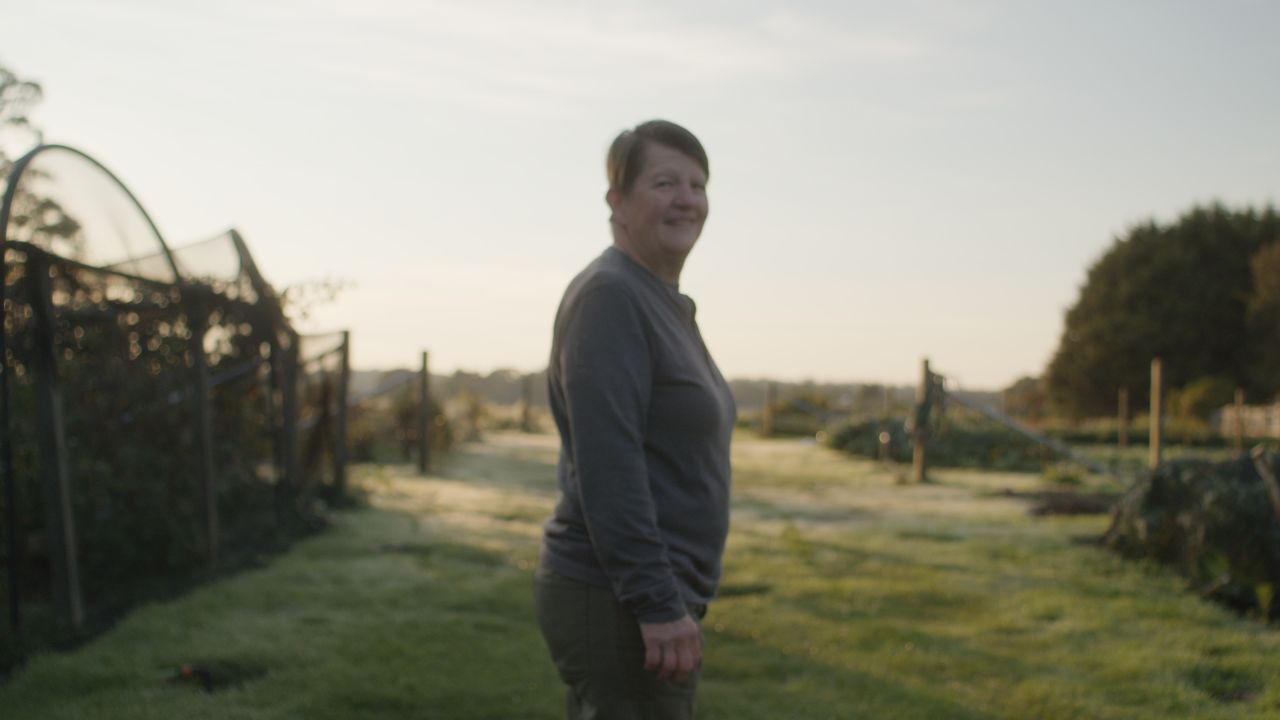
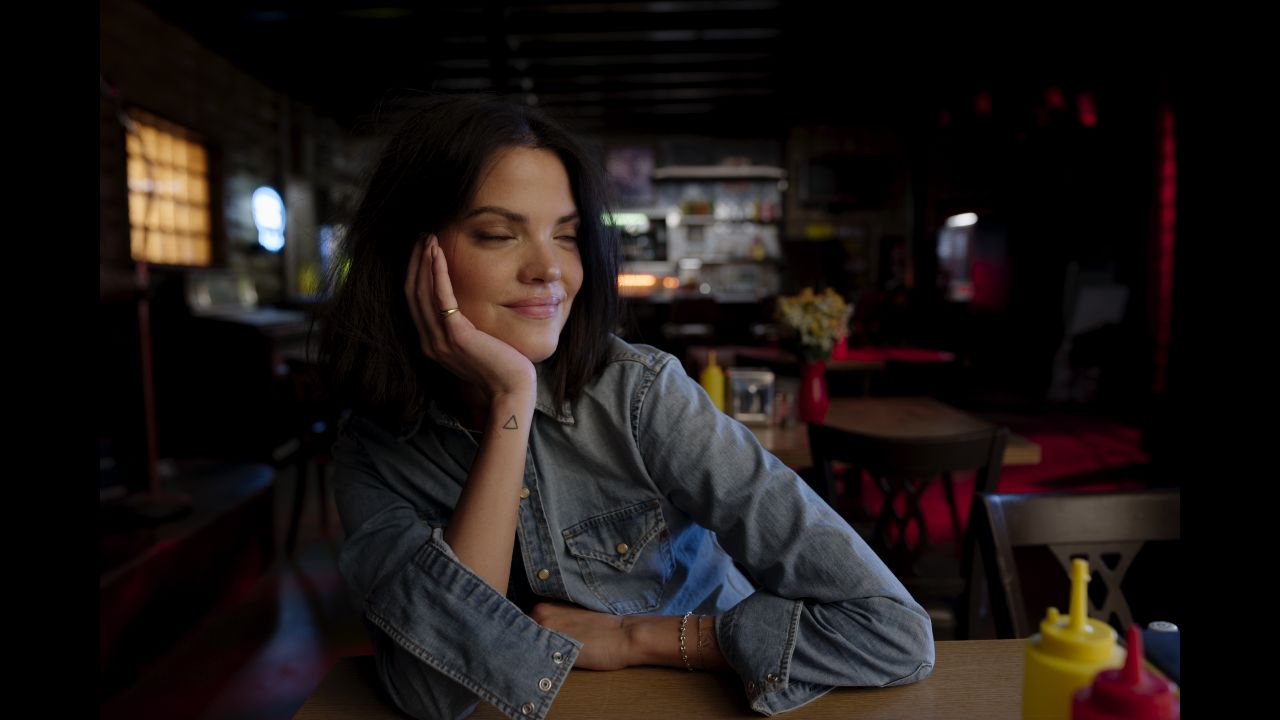
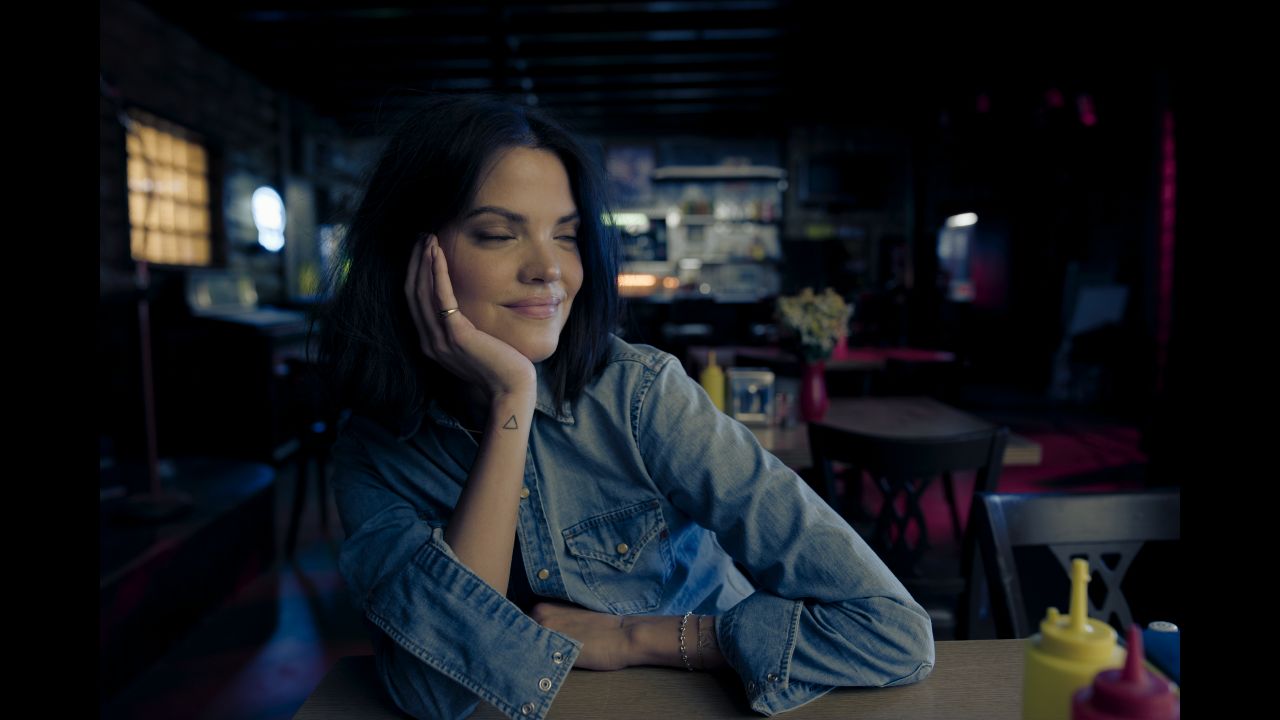
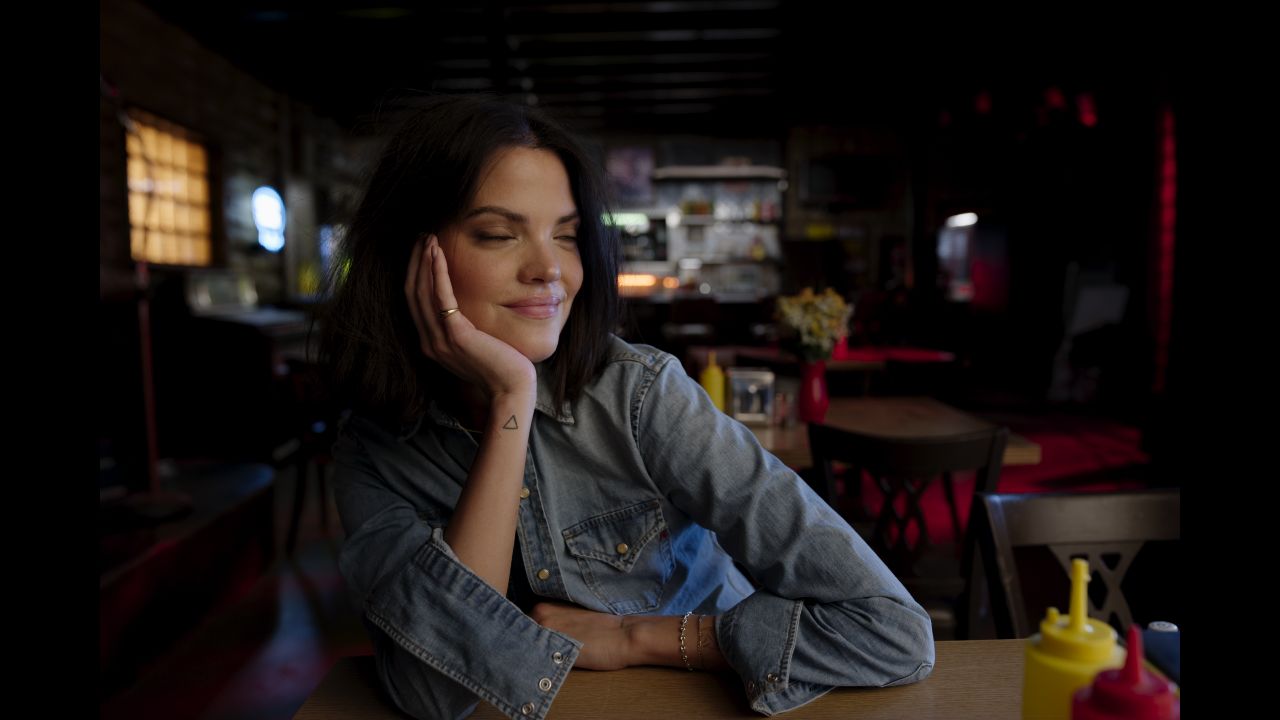
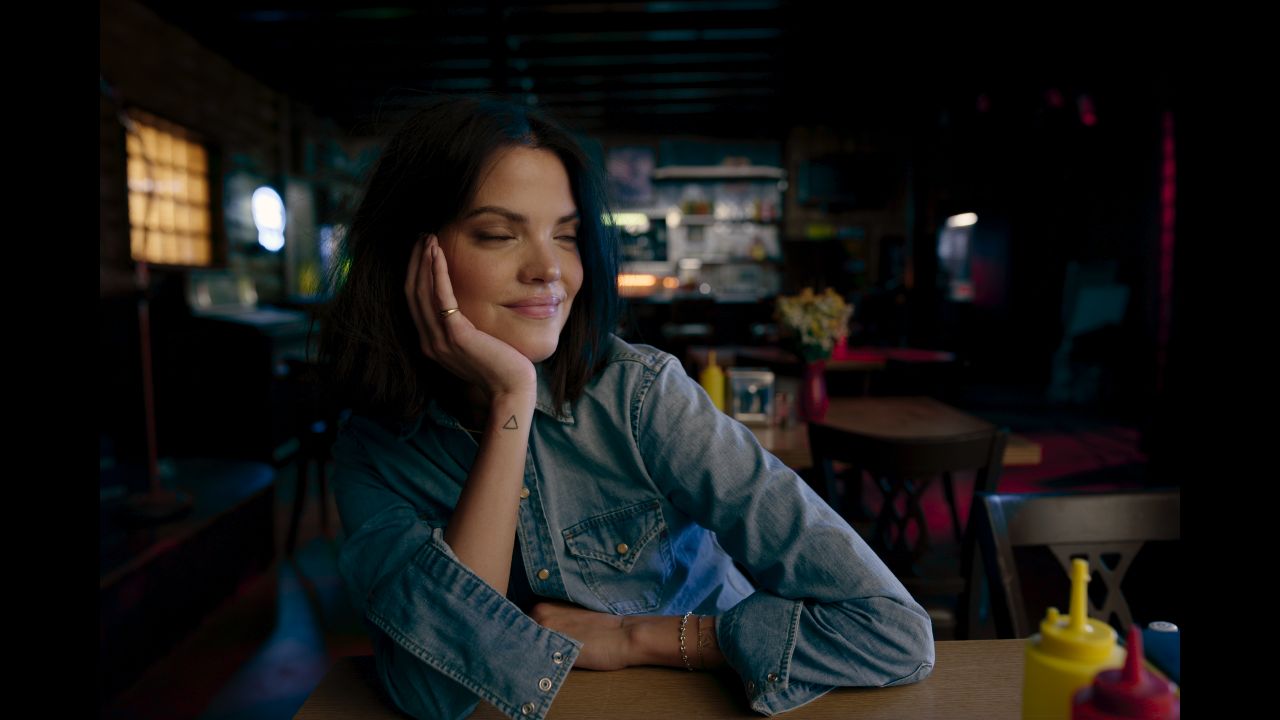
BeforeGLOOK ProBeforeGLOOK Pro · Zion

Hover or drag over the image: left is your shot, right is GLOOK Pro.

9Professional DCTLs
$189Full pack · one-time payment
3Native color spaces
∞Free updates
New · OFX plugin · GFILMLAB

Discover how to turn digital into real cinema.

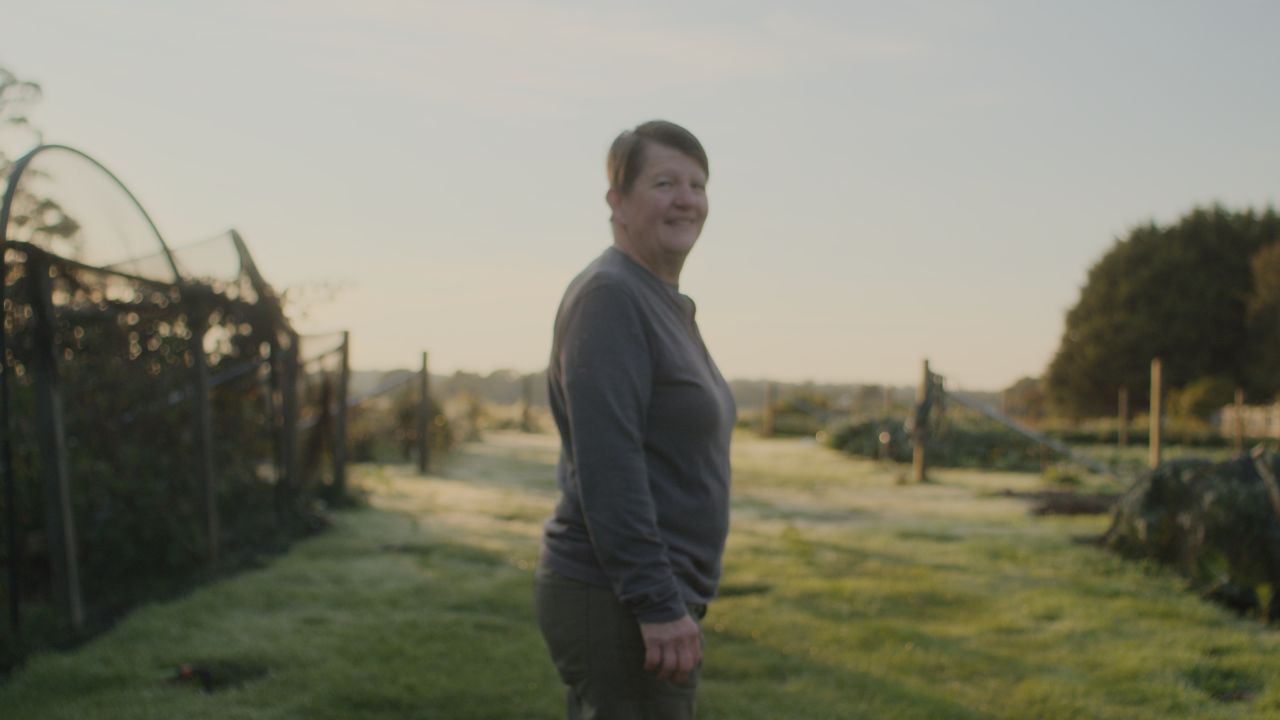
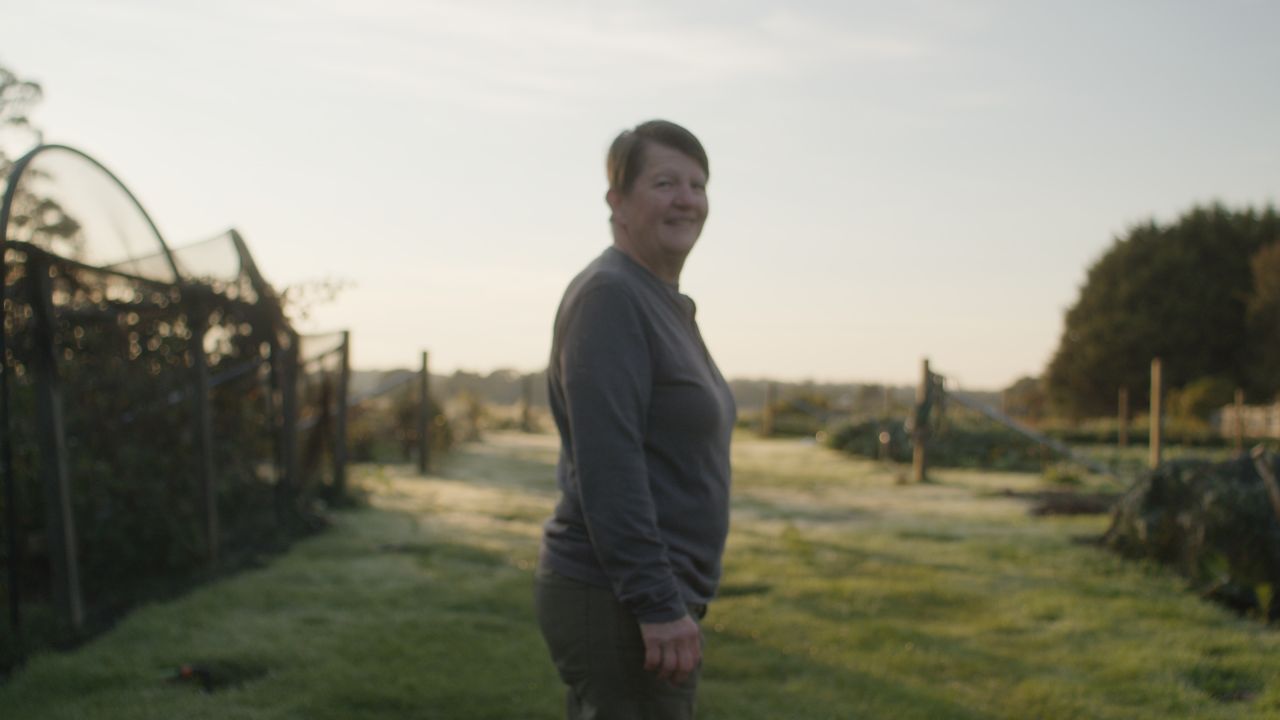
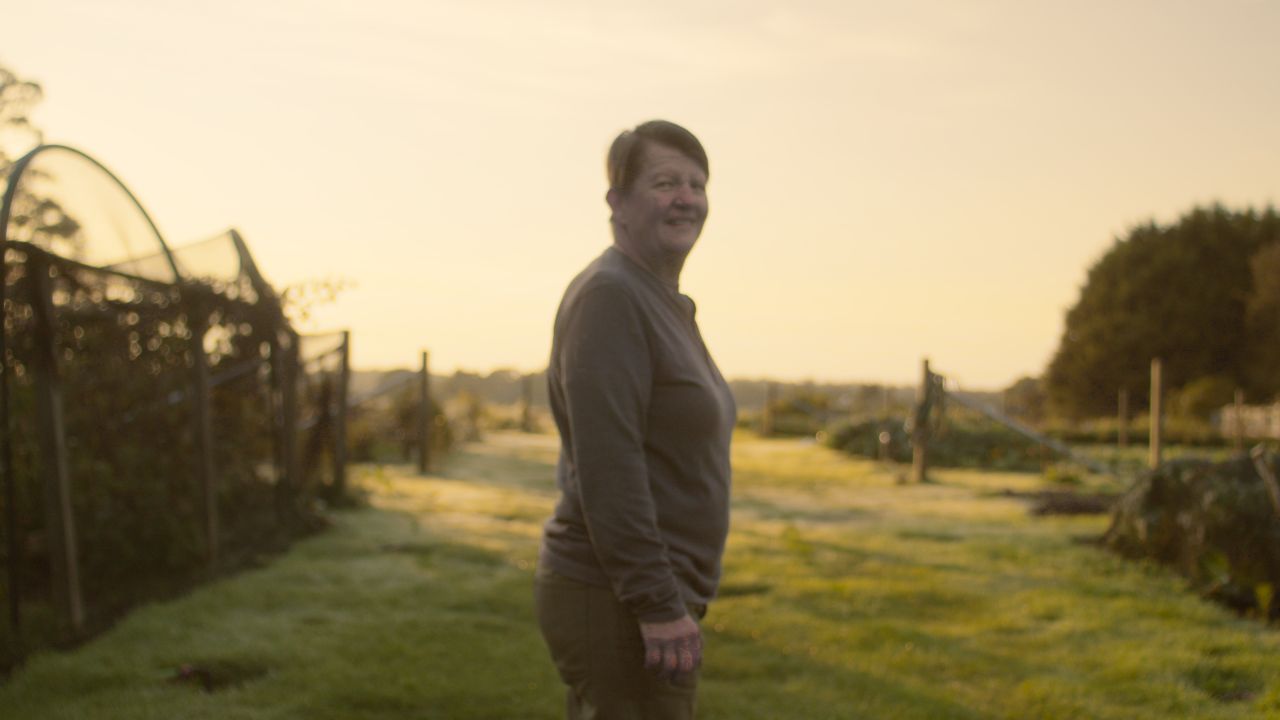
Your camera records data. Cinema records light on an emulsion that gets developed, printed and scanned. GFILMLAB recreates that whole journey in one node, without breaking skin or neon lights.
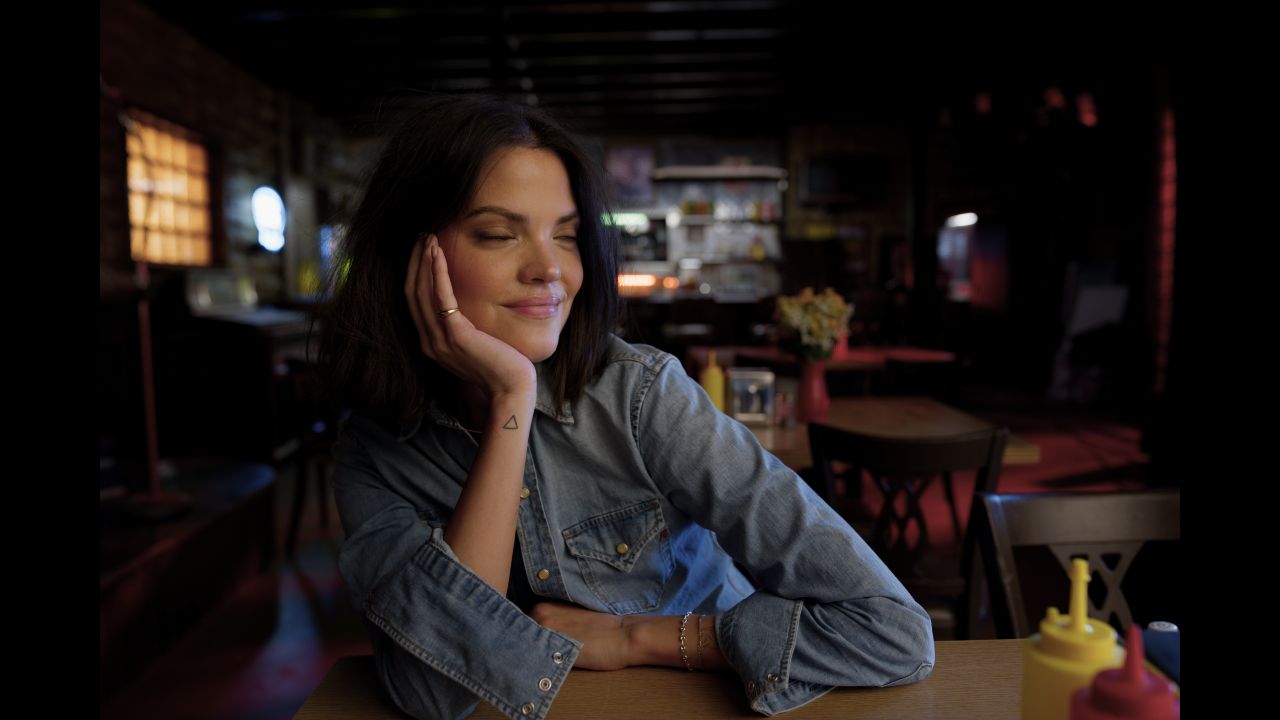
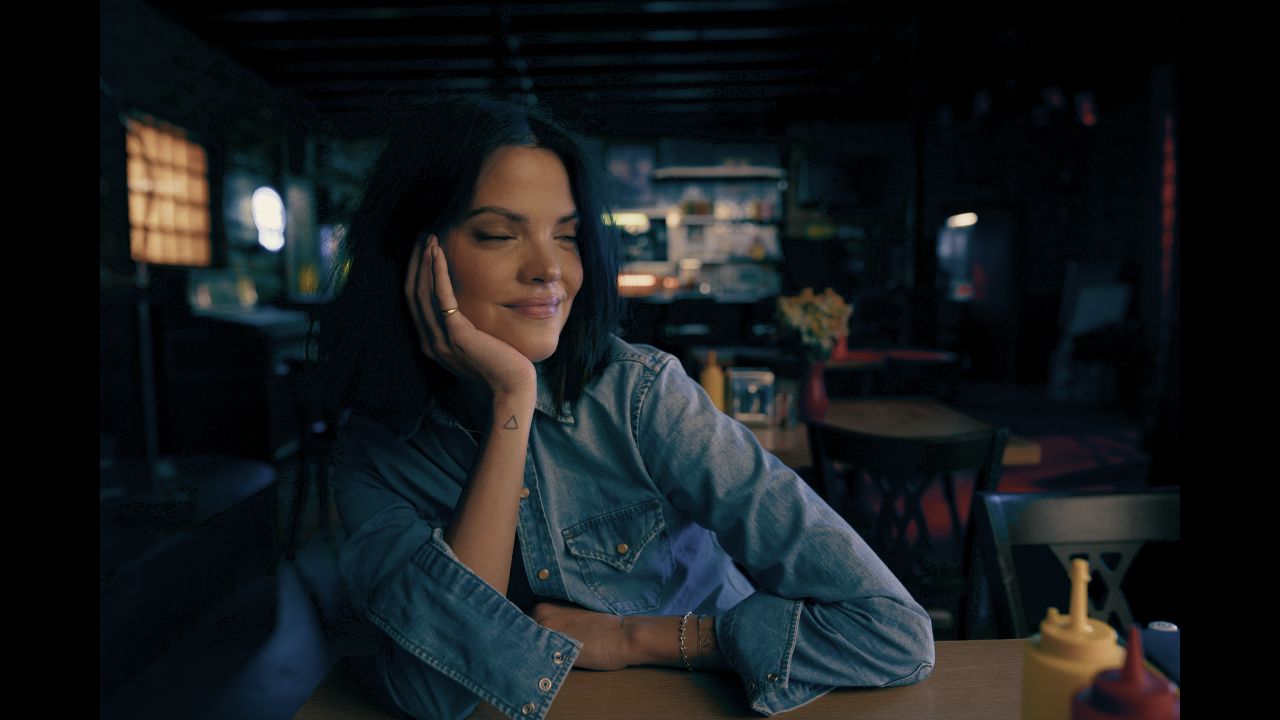
BeforeGFILMLABBeforeGFILMLAB
The fundamental difference

A LUT has no idea what is in your image.

A DCTL reads it, analyzes it and responds to it. The difference is not aesthetic: it is mathematical.

LUT

  • A fixed table built for one camera and one exposure
  • Cannot tell skin from background
  • One color space
  • No parameters: all or nothing

ViewGrade

  • Pixel-by-pixel processing that responds to your image
  • Automatic skin protection
  • Calibrated to DWG, Rec.709 and ACES cct
  • Sliders to fine-tune every nuance
The ecosystem

9 DCTLs. Drag and see what each one does.

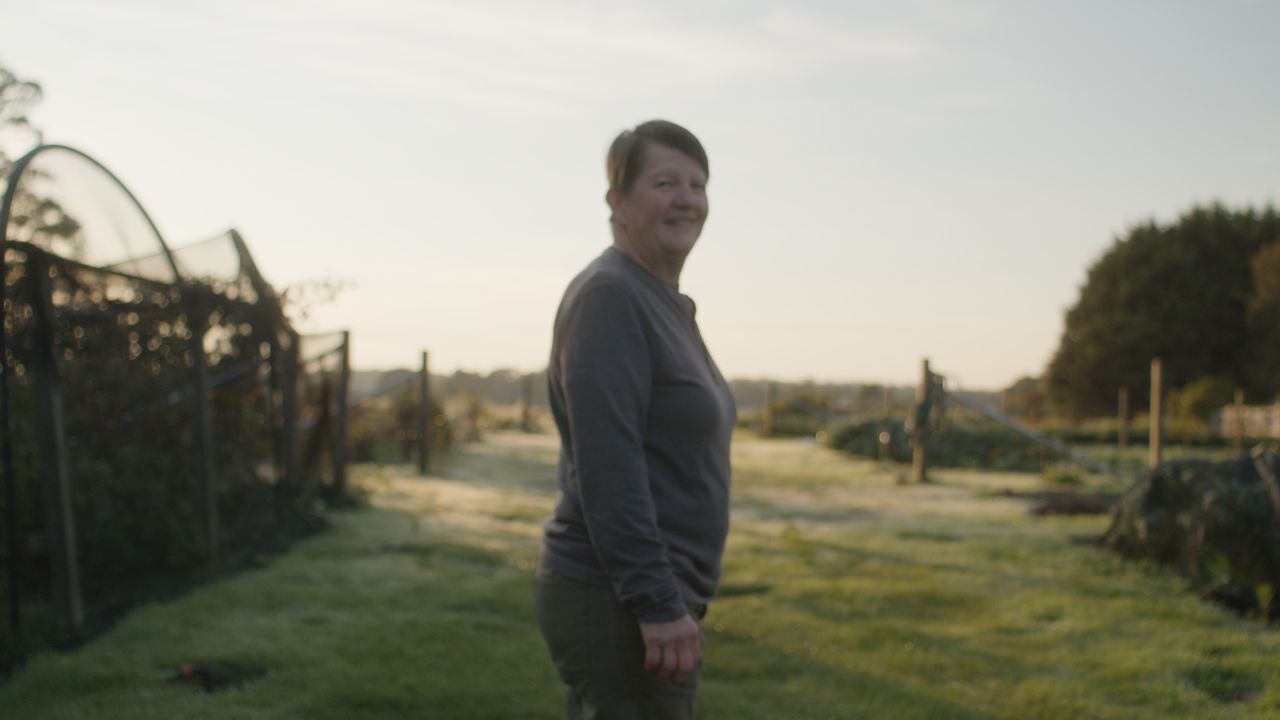
Every example is the same Blackmagic shot, converted with a CST to DaVinci Wide Gamut, with the DCTL in a single node. Buy only what you need or get the full pack at a discount.

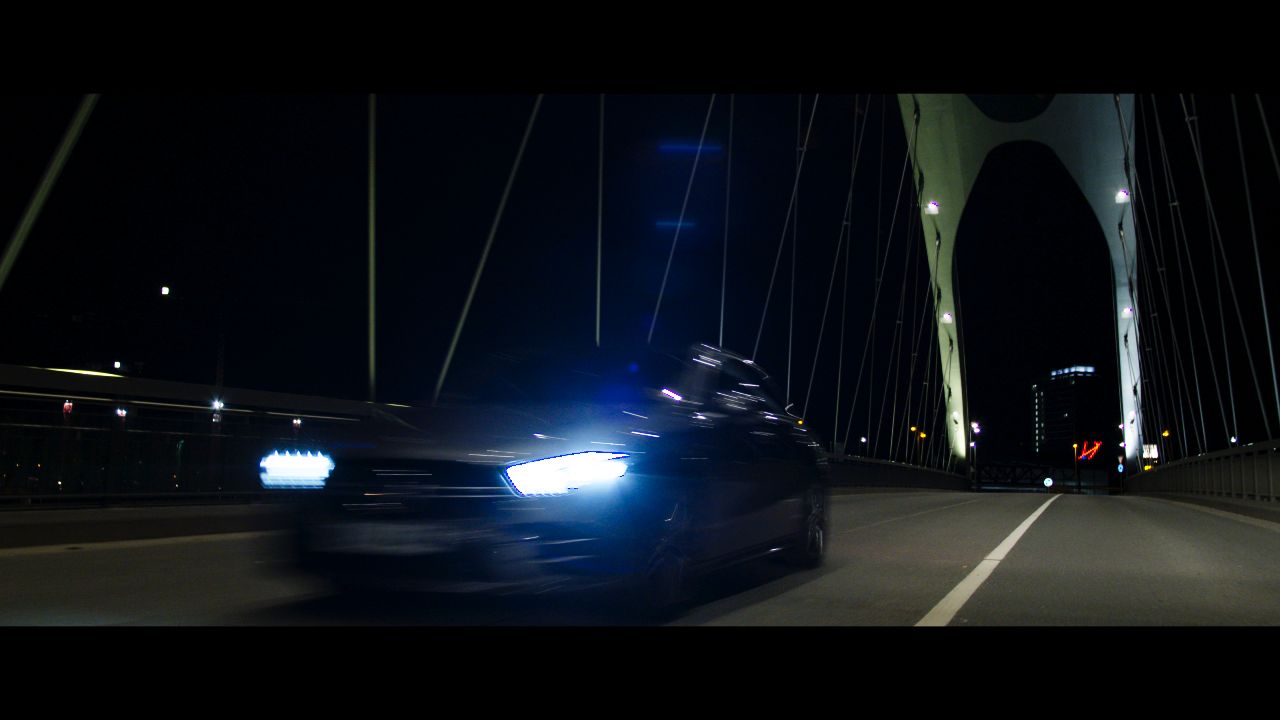
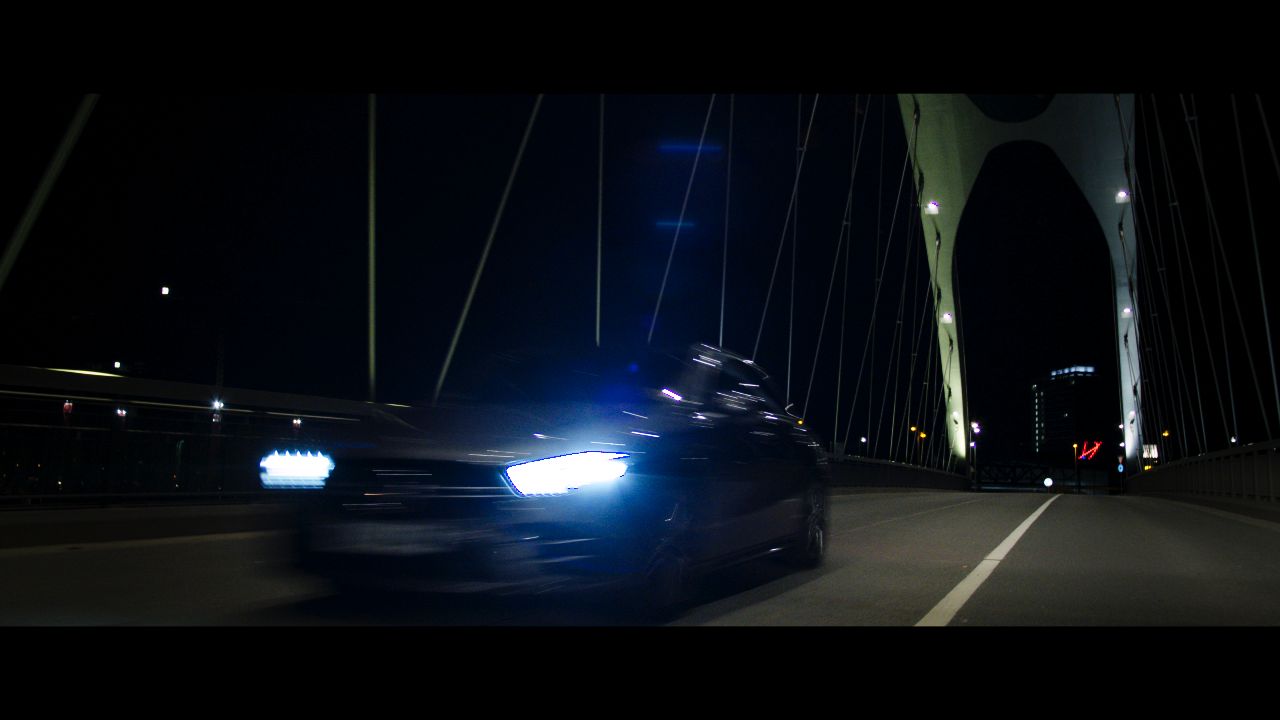
BeforeGLOOKBeforeGLOOK · Blockbuster
Best seller

GLOOK

$27

7 film looks (Blockbuster, Warm Gold, Kodak 35mm, Kodak Gold, Nordic, Neon City, Bleach) with automatic skin protection. 13 cameras, in Rec.709, DWG and ACES cct.

Example: Blockbuster
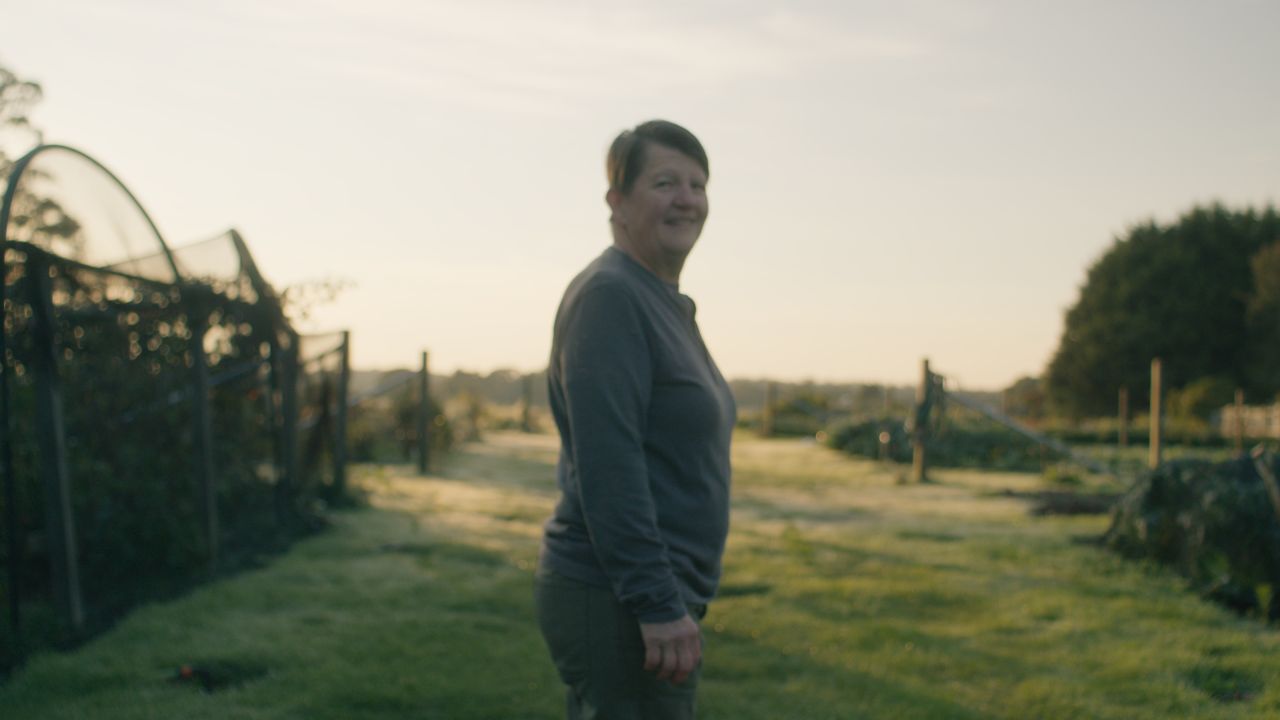
BeforeGLOOK ProBeforeGLOOK Pro · Zion
Unique on the market

GLOOK Pro

$60

13 looks (including Euphoria, Empyrien, Afterlife, Zion, Fantasy and Eternity), 6 film contrasts and the GSCORE narrative arc: calm, tension, climax. Triple-layer skin detection.

Example: Zion
BeforePGLOOKBeforePGLOOK

PGLOOK

$27

ARRI color science in one node: gentle highlight roll-off, shadow volume, range-based saturation and a cinematic S-curve. Goes after GLOOK and before the output CST.

BeforeGFILMBeforeGFILM · Kodak Vision3

GFILM

$22

Film emulation: Kodak Vision3, Fuji Eterna, 5213 and Double-X. Each stock with its own density curve and color response. Highlights turn creamy, not digital white.

Example: Kodak Vision3
BeforeGSPLITBeforeGSPLIT · Teal & Orange
Most technical

GSPLIT

$27

Cinematic split-toning: separate tones for shadows and highlights, 17 presets and emulsion crosstalk, without touching your primaries or skin.

Example: Teal & Orange
BeforeGNEGBeforeGNEG · Vision3 · IN + OUT

GNEG

$38

The densitometric space of the negative, in two nodes (in and out). Your grade breathes like film instead of a sensor.

Example: Vision3 · IN + OUT
BeforeGTEXTURABeforeGTEXTURA

GTEXTURA

$33

Organic grain, halation, bloom, aberration and vignette to break the clinical cleanness of a digital sensor. Skin stays protected from grain.

BeforeGCHRONICLEBeforeGCHRONICLE · Technicolor 60s

GCHRONICLE

$38

80 years of cinema visual language in one selector: 40s noir, 60s Technicolor, 70s warmth, electronic 80s, the 90s, 2000s, 2010s and today’s naturalism.

Example: Technicolor 60s
BeforeGNARRATIVEBeforeGNARRATIVE · Thriller

GNARRATIVE

$38

Looks by narrative genre (thriller, romance, documentary, sci-fi, comedy, horror, drama, road movie) to start the grade in the tone of your story.

Example: Thriller
Offer · Full pack

All 9 DCTLs. One payment.

  • GLOOK$27
  • GLOOK Pro$60
  • PGLOOK$27
  • GFILM$22
  • GSPLIT$27
  • GNEG$38
  • GTEXTURA$33
  • GCHRONICLE$38
  • GNARRATIVE$38
  • Bought separately$310
$189
You save $121 — 39% off

One-time payment · Instant download · Free lifetime updates

Buy the Pack — $189
The full pipeline

Where each node goes.

The order in Resolve’s node tree, from camera to Rec.709 delivery.

N1Input CST
N2GNEG IN
N3Base grade
N4GNEG OUT
N5GLOOK Pro
N6PGLOOK
N7GSPLIT
N8GFILM
N9GCHRONICLE
N10GNARRATIVE
N11GTEXTURA
N12Output CST 709
Free trial

Try it before you buy it.

Download GLOOK Trial: 7 fully working film looks with a visible watermark in the corners. Test it with your cameras, your light and your footage, not a demo reel.

Free · No sign-up · No card · DaVinci Resolve Studio on macOS or Windows

Installation

Up and running in two minutes.

  1. 1

    Download

    Buy on Gumroad and download the .dctl file instantly.

  2. 2

    Copy

    macOS: /Library/Application Support/Blackmagic Design/DaVinci Resolve/LUT/
    Windows: C:\ProgramData\Blackmagic Design\DaVinci Resolve\Support\LUT\

  3. 3

    Restart

    Close and reopen DaVinci Resolve so it loads the DCTL.

  4. 4

    Apply

    In Color: right-click a node → DCTL → pick the tool.

FAQ

What everyone asks.

Do I need DaVinci Resolve Studio?

Yes for the DCTLs: third-party DCTLs only run in DaVinci Resolve Studio; the free version does not load them. GFILMLAB is an OFX plugin with its own installer for Mac, Windows and Linux.

What is the difference between a DCTL and a LUT?

A LUT is a fixed table. A DCTL is a program that runs pixel by pixel: it detects skin, calibrates to your color space and adapts its response to what is in the image.

Does it work with my camera?

Yes. The DCTLs work on your footage converted to the working space with a CST: Blackmagic, Sony, Canon, ARRI, RED, Panasonic, Fuji, DJI or iPhone. GFILMLAB decodes 33 camera formats by itself.

Can I use each DCTL on its own?

Yes. Every tool works by itself. The pack gives you the full system and the pipeline order to combine them.

How do I get updates?

Free, forever. Email viewgradecolor@gmail.com with your Gumroad receipt and we will send you the new version.

How is GNEG different from other negative systems?

GNEG works in negative density with an input node and an output node, so your grade in between behaves like light on film. It is ViewGrade’s own tool, independent of any other product.

Your image deserves more than a LUT.